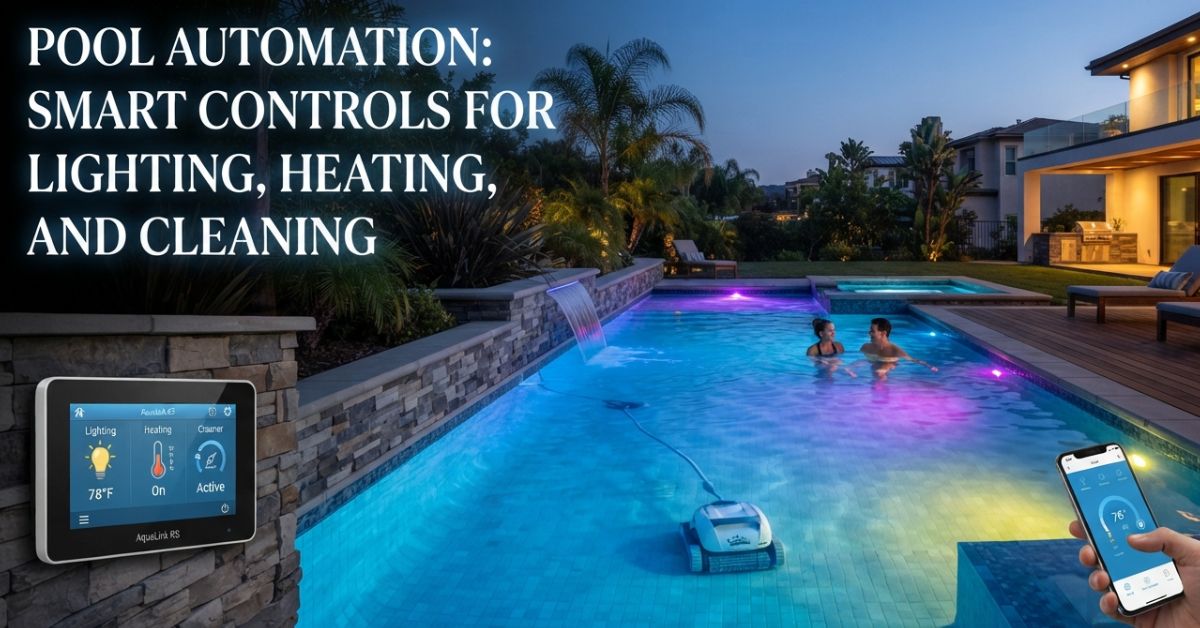
Imagine this. You’re stuck in Friday traffic, drenched in sweat, and a simple tap on your smartphone sets the heater to work, the lighting ready for the night, and the vacuum cleaner to prepare itself for duty. By the time you arrive home, everything, including the water, is ready. This is the functioning of pool automation: devices that work unnoticed according to your schedule, allowing you to stop managing timers, switches, and valves.
This guide explains what pool automation is capable of and what to consider so that you don’t end up buying costly equipment that you will never use.
What Pool Automation Really Does
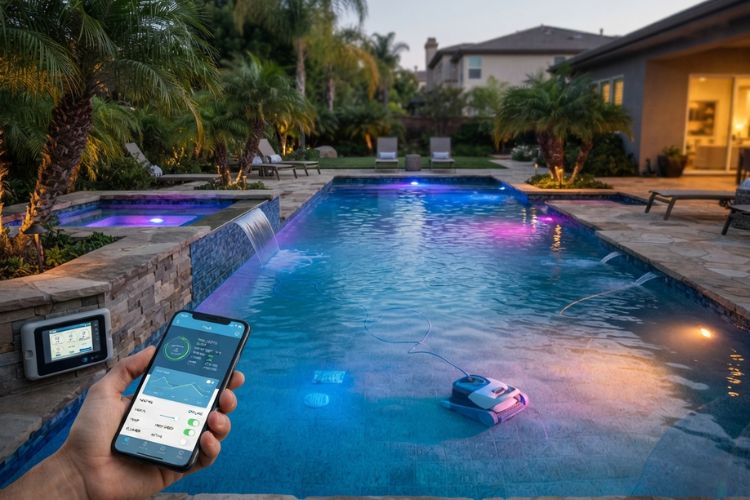
Think of it as a conductor for your backyard orchestra. The pump, heater, lights, and cleaner each know their part, but without a conductor they all play in different keys. Automation hands them one score to follow.
Most setups include a central controller wired to your equipment, plus an app or wall panel for giving orders. You set the rules once, such as “run the pump at dawn” or “light the water at sunset,” and the controller repeats them every day. Sensors add a layer of awareness by reading water temperature or flow.
The payoff is fewer forgotten tasks and less wasted energy. A pump on a smart schedule and a heater that only fires when you plan to swim are both kinder to your power bill.
Pool Automation Systems: What’s in the Box
Pool automation systems come in a few flavors, so it helps to know the building blocks.
- The controller. The brain. It lives at the equipment pad and sends commands to everything else.
- Relays and actuators. These switch power on and off and turn the valves that flip water between pool and spa.
- Sensors. Probes that report temperature, flow, and sometimes water chemistry.
- The interface. A phone app, a wall keypad, a handheld remote, or all three.
Entry-level pool automation systems handle a few devices, say a pump, a heater, and the lights. Bigger ones juggle water features, cleaners, salt cells, and covers. Decide what you’d truly use before you shop, because the priciest panel isn’t automatically the right one for your yard.
Smart Pool Control From Your Pocket
Smart pool control is the part you’ll feel every day. Open the app and raise the temperature before you leave work. Switch on the lights from the sofa. Check that the pump is running from an airport lounge three states away.
Many devices now interact with voice assistants, thus making commands such as “turn on the pool lights” an actual phrase you can say. Alerts are another hero in the shadows since a simple warning of low water flow or a halted pump can prevent you from frying your electric motor.
One thing to note is that the equipment pad is usually located in the furthest corner of the property where Wi-Fi signal is weak. Weak signal is one of the main complaints made by clients.
Plan for It Before the Dig
You can retrofit controls onto an older pool, but building them in from day one is cleaner. Wiring paths get planned, the equipment pad gets sized properly, and nobody has to cut into a finished deck to run a cable.
Bring it up early with your builder. Ask which pool features and equipment can be wired for control now, and which ones you might want to add later. A little foresight keeps your options open without forcing you to buy everything on day one.
Lighting: Mood on Demand
Colorful LED lights are something that people can’t resist getting. People use various themes like “Calm Blue” for quiet evenings, “Party” for weekends, and warm white for late-night swims. Automatic timers help turn them on at sunset and switch them off at night so nobody has to keep them on for the whole night.
LED lights do not consume much electricity, so running costs are low. They can be synchronized with outdoor lights so the whole backyard will look like one uniform bright light.
Heating: Warm Water Without the Waste
Leaving a heater on means you leave it to consume money on its own. Thanks to automatic controls, you can control the temperature, the usage schedule, and the maximum temperature so that the water does not exceed the preset temperature. Planning a pool party this Saturday? Simply increase the temperature on Thursday using your mobile phone and forget about doing it yourself.
In colder regions, freeze protection is worth its weight in gold. The controller notices a temperature drop and runs the pump to keep water moving through the pipes during a cold snap. That single feature has rescued plenty of plumbing.
Cleaning: Let the Robots Roll
Robot vacuum cleaners can operate on a preset schedule, which means the floors are clean when you get up in the morning. Then you have the water circulating pump running according to a set schedule, and this way all dirt and debris is cleaned off the floor before it gets stuck there.
Some owners use automatic chemical feeders as well, which makes things easier, but does not replace you permanently. Testing the water once in a while yourself is recommended anyway.
Choose Gear That Lasts
Smart controls protect your equipment, but the shell does the heavy lifting underneath. Before you commit, read up on composite armor pool technology to see how construction choices affect strength and durability. A tough shell plus well-planned controls is a pairing that keeps paying off year after year.
Mistakes to Dodge
- Ignoring Wi-Fi range. Test the signal at the pad before installation.
- Mixing incompatible brands. Confirm every device can talk to your controller.
- Overbuying. Skip features you’ll use twice a year.
- Skipping manual backups. Make sure you can still run things from the pad if the internet drops.
- Weak passwords. Treat the app like any connected device and keep its software updated.
Make Pool Automation Work for You
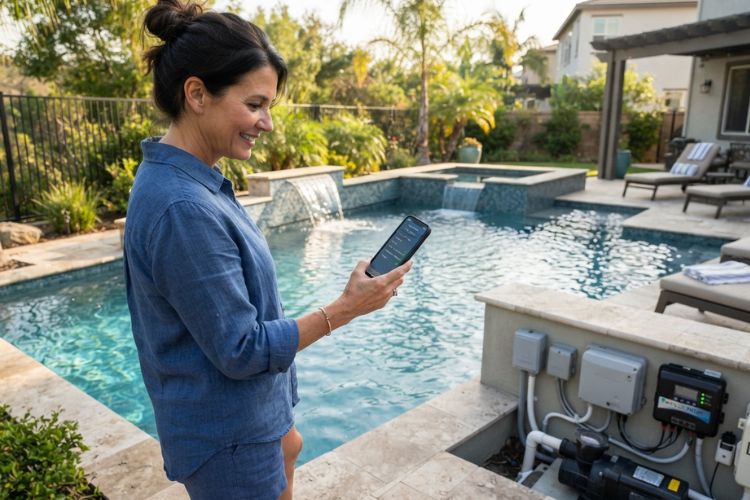
Great automation feels seamless. You get to swim and relax while the technology takes care of everything else. The user can start with simple equipment like pumps, lights, and a heater and then build upon that whatever suits them. By combining smart equipment and proper pool automation, the pool will always be ready for you, be it a quiet swim or a fun Saturday with friends.
Frequently Asked Questions
How much does pool automation cost?
Prices can differ greatly. Simple controllers are inexpensive compared to advanced ones, while installation, wiring, and compatibility of equipment must be taken into consideration to reach the final price.
Can I add automation to an existing pool?
Usually, yes. A technician with the necessary qualifications will be able to set the controller up and connect compatible pumps, heaters, and lights. Older devices might need an adapter or upgrade in order to work properly.
Does automation really save energy?
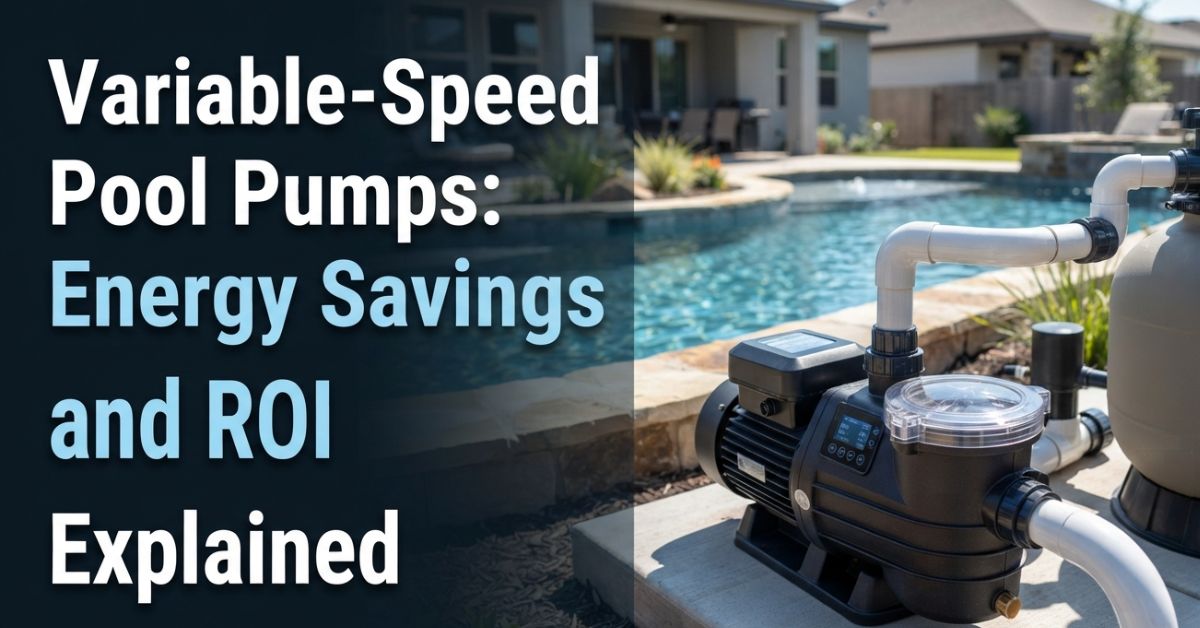
Yes, it does. Scheduling the pump, using the heater only when needed, and switching off the lights automatically can lower the amount of energy used. In combination with a multi-speed pump, it can provide the best effect.
What happens if my Wi-Fi goes down?
Your equipment keeps following its saved schedule, and you can still operate everything from the control panel at the equipment pad. The app simply can’t reach it until the connection returns.